

Shape loose ideas visually
Build from bubbles, branches, notes, comments, drawings, shapes and media on a flexible canvas.
BubblFlow combines mind mapping, flexible whiteboard tools, templates, AI help, projects and sharing in one workspace built for the messy middle of ideas.
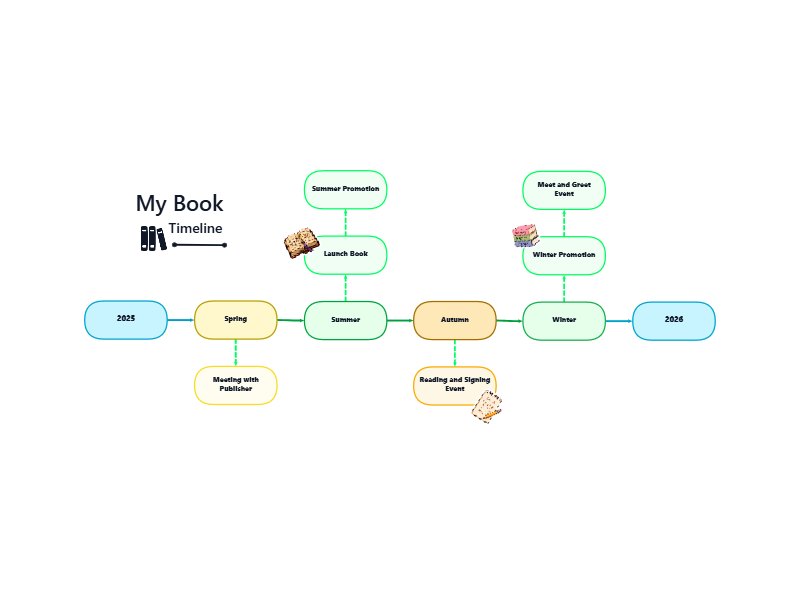
Split the launch map into content, outreach and product tasks.
Bring the core tools for visual thinking, structured planning and shared context into one place, without turning every idea into admin before it is ready.
Build from bubbles, branches, notes, comments, drawings, shapes and media on a flexible canvas.
Group canvases into projects, track visible progress and search across the work when the map grows.
Ask BubblFlow AI to summarise, improve ideas, create action plans or suggest content from the canvas.
Share read-only links, move into team workspaces and invite guest collaborators when planning becomes shared.
Use the canvas for early thinking, then add structure, AI support, sharing and output options as the work becomes more useful.
BubblFlow gives visual thinking room to move without making every idea fit a rigid board too early.
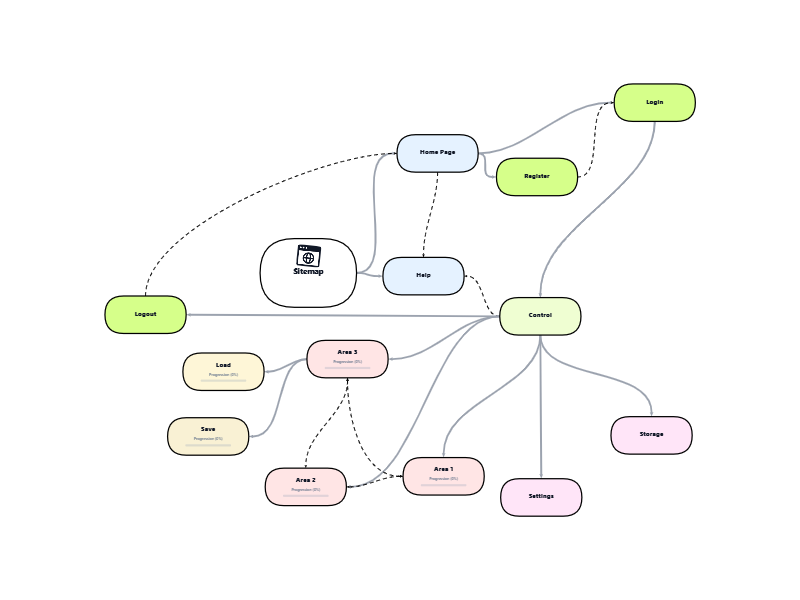
Use ready-made layouts for common work instead of beginning with a blank canvas every time.
The AI assistant works from the canvas context, so prompts can move straight from structure into next actions.
Keep research, plans, decisions and follow-up work together as an idea grows into a project.
BubblFlow supports simple viewing links now and grows into team-managed access when the work needs more people.
The planned Pro and Teams levels add more ways to export, print, save and present the work. Paid subscriptions are not available during the free beta.
BubblFlow keeps the early stage fluid, then gives you practical structure when the map starts becoming a project, presentation or shared decision.
Start with a blank canvas, template or single bubble. Add rough thoughts before over-organising them.
Use branches, threads, notes, media and visual styling to show relationships that a flat list hides.
Use AI summaries, improvement prompts and action plans once there is enough context on the canvas.
Send a read-only link, invite collaborators, print the canvas or export the work for the next stage.
The canvas stays approachable for quick solo thinking, but has enough structure for repeat work, team conversations and serious planning.
Break topics into connected sections, attach notes and return to a map that still makes sense later.
Collect references, branches, scenes, themes, tasks and launch ideas in one visual workspace.
Align around project maps, decisions, client context and team-owned canvases.
Map customers, opportunities, risks, processes and next actions before work moves into delivery tools.
Free is for trying the canvas and building a small personal workspace. Pro and Teams add more room, output options and collaboration controls.
Create a free beta account, choose a template or start from one bubble. Pro and Teams remain visible as previews while paid subscriptions are unavailable.